
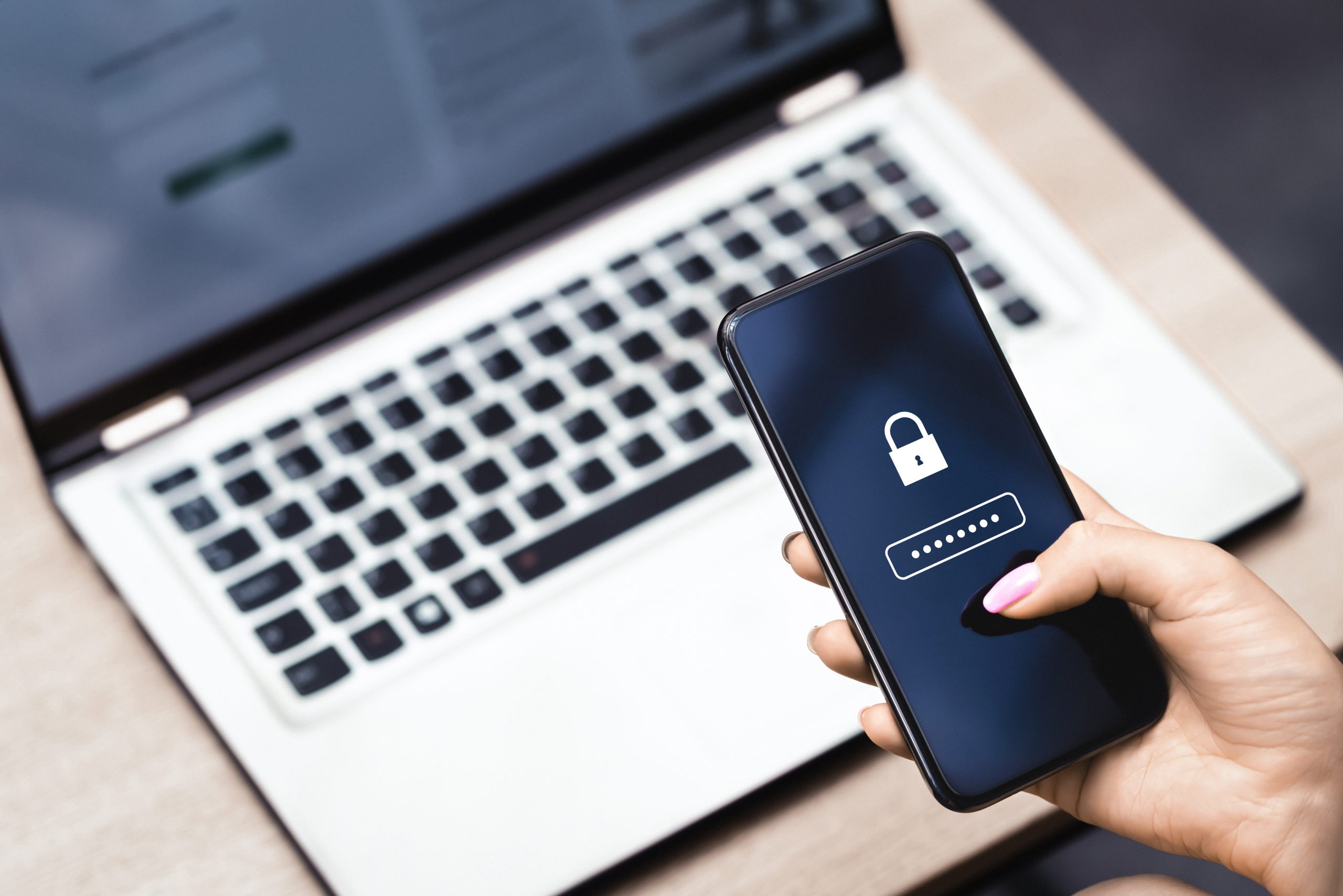
A lot of design, writing, photography and small-studio work now happens on networks you do not control: a café, a hotel, a coworking space, a client’s guest Wi-Fi, or a home connection you share with other people. A virtual private network (VPN) encrypts the traffic between your device and a VPN server, and it hides your ordinary IP address from the local network. That is a useful privacy habit. It is not a record of your files. A TimeBind is a dated, checkable record that an exact file existed no later than a recorded time and still matches. The fingerprint is made in the browser, and the file stays on your device. A VPN does not date a file, and it does not show that a later copy still matches.
Some links to other tools on this page are paid links, marked “advertising / paid link”. If you buy through one, TimeBinder may earn a commission, at no extra cost to you. Tools are chosen on merit, with caveats. See our affiliate disclosure.
Table of Contents
What a VPN actually does — and what it does not
On an open or poorly run network, other devices, the network operator, or a poorly configured router can see that you are connecting to a site, and in some cases can interfere with unencrypted traffic. A VPN wraps that traffic in an encrypted tunnel to a server run by the VPN provider. Sites you then visit typically see the VPN server’s address, not the café’s.
That is a narrower protection than marketing pages sometimes imply.
A VPN does not:
- Make you anonymous once you sign in to email, a shop, a cloud drive, a portfolio, or a bank. Those services still know which account you used.
- Protect files sitting on your laptop, phone, or cloud account. Encryption in transit is not the same as a backup, and it is not a dated fingerprint.
- Replace a unique password and two-factor authentication on the accounts that can reset everything else. See password and account security for creators.
- Prove that a design, a manuscript, a photo set or a contract existed by a particular date, or that the file in your archive is still that file.
- Guarantee that a site is genuine. A fake captive portal or a lookalike login page can still appear before the VPN connects, and a VPN will not stop you typing a password into the wrong site.
Used honestly, a VPN is one layer: it reduces what a local network can see while you work. The accounts, the backups, and the file record are separate jobs.
When remote creative work actually needs one
You do not need a VPN for every hour at your own desk. You do want one on networks you have not set up, and any time you will open anything that can spend money, change a live site, or expose a client’s work: café, airport, hotel or conference Wi-Fi; a client’s guest network; a shared house or short-let whose router you do not control.
A VPN is a weaker fit for problems it is sometimes asked to solve. It will not stop someone who already has your reused password, take a listing off a people-search site, or show a client which pack you sent. For those, you want account hygiene and a dated copy of the file. The guide to protecting yourself from AI forgeries covers the wider file-integrity picture; this article stays on the network layer.
If a network blocks VPN traffic, the honest move is to wait for a network you trust, use your phone as a hotspot, or do the sensitive work later. Do not turn the VPN off and then log in to a shop or registrar on the same untrusted Wi-Fi.
How to use a VPN without leaving a hole
A few habits matter more than the brand name on the app.
Turn it on before you sign in to anything important. The tunnel only covers traffic that goes through it. Mail, a password manager, or a client portal opened first is not retroactively protected.
Use a kill switch if the app offers one. If the VPN connection drops, a kill switch stops ordinary internet access so your real address is not briefly exposed. Official materials for the tools below describe this feature; confirm it is enabled in the app you use.
Prefer the provider’s own app, and keep it updated. A system-wide app covers the tools designers and writers actually use — a cloud-sync client, mail, a store app — not only the browser tab.
Do not treat split tunnelling as the default. Letting a programme bypass the VPN is handy for a local printer or a banking app that misbehaves on a tunnel. It is a mistake if your cloud-sync or mail client is on the bypass list without you noticing.
Keep unique passwords and 2FA anyway. A VPN does not help if the account itself is easy to reset. The password guide above is the sister habit to this one.
Remember that the work files still need a backup and, at milestones, a dated record. A private tunnel does not restore a laptop, and it does not show which version of a file existed on Tuesday. See how to timestamp a file and what happens to file dates when you copy, zip or download.
Keep a dated record of the work itself
People often bundle “I worked privately” with “I can show what I made.” Those are different claims. If a client later says a delivery never arrived, or that a file was changed, a VPN log will not help you. What helps is a copy of the exact file, plus a dated, checkable record that that file existed no later than a recorded time and still matches.
A practical habit for remote days: finish the milestone on your machine; fingerprint that exact file with TimeBinder before you send it; keep the certificate next to that file in a folder you also copy off-site; then send the file through the channel the client already uses. Click here to start. How to timestamp a file has the steps. Your first Pooled TimeBind is free; after that, TimeBinds start from US$5, and an ASAP TimeBind is US$15. One TimeBind can hold up to 10 files.
If you only want a quick local check later, the free SHA-256 file hash checker can show whether two copies still have the same fingerprint. A hash on its own is not a dated record. A TimeBind is. See how to prove a file existed before a date, and timestamp before you disclose if you are about to show work to a new client. Designers may also want protect your design before sending it to a client.
Mistakes that leave the network — or the file — unprotected
- Signing in to a shop, registrar or mailbox, then turning the VPN on. The sensitive session may already have started on the local network.
- Disabling a kill switch because a page loaded slowly. A dropped tunnel without a kill switch can briefly expose the connection you were trying to hide.
- Assuming a VPN replaces 2FA. It does not. Account takeovers usually start with a reused password or a recovered mailbox, not with a café sniffer.
- Using a free VPN that trades privacy for ads or logging, then doing client work through it. The free Proton VPN plan above is a documented exception on bandwidth and logging; many other free VPNs are not. Read the provider’s own policy.
- Treating a VPN session as proof of a file, or leaving the only copy on a laptop. A VPN does not date a file and will not restore one. Date the file you actually sent, and keep an off-site copy.
Frequently Asked Questions
-
Do I need a VPN if I only work from home?
Not always. A VPN is most useful on networks you do not control. At home, unique passwords, 2FA, and a dated record of milestone files usually matter more. Some people still use a VPN on a home connection for a consistent privacy habit, or because their ISP is untrusted; that is a preference, not a requirement.
-
Will a VPN stop someone impersonating my portfolio or my shop?
No. Impersonation and account takeovers are account-security problems. Use unique passwords, 2FA, and a mailbox you still control. A VPN does not stop a reused password, and it does not take your details off a people-search site.
-
Does a VPN prove I created a file on the road?
No. It can hide your ordinary IP address from a local network while you work. It does not record a file, a date, or a fingerprint. If you need a dated, checkable record that an exact file existed no later than a recorded time and still matches, use TimeBinder on that file.
-
Is a free VPN safe enough for client work?
It depends on the provider, not on the word “free”. Official Proton VPN materials say the free plan uses the same no-logs policy and encryption as paid plans, with tighter device and server limits. Many other free VPNs are funded by ads or data practices you may not want on a client’s project. Read the official policy, and confirm device limits before you rely on a free plan for a phone and a laptop at once.
-
Can I use a hash instead of a TimeBind after I get home?
A SHA-256 hash is a useful way to check that two copies still match, and the free checker will compute one in the browser. A hash you compute later is not, by itself, a dated record of when the file existed. If the date matters, fingerprint the file at the time.
Date the file you actually sent, free
Your first Pooled TimeBind is free, with no credit card required. After that, TimeBinds start from US$5, and an ASAP TimeBind is US$15. Click here to start, or see plans and pricing.







