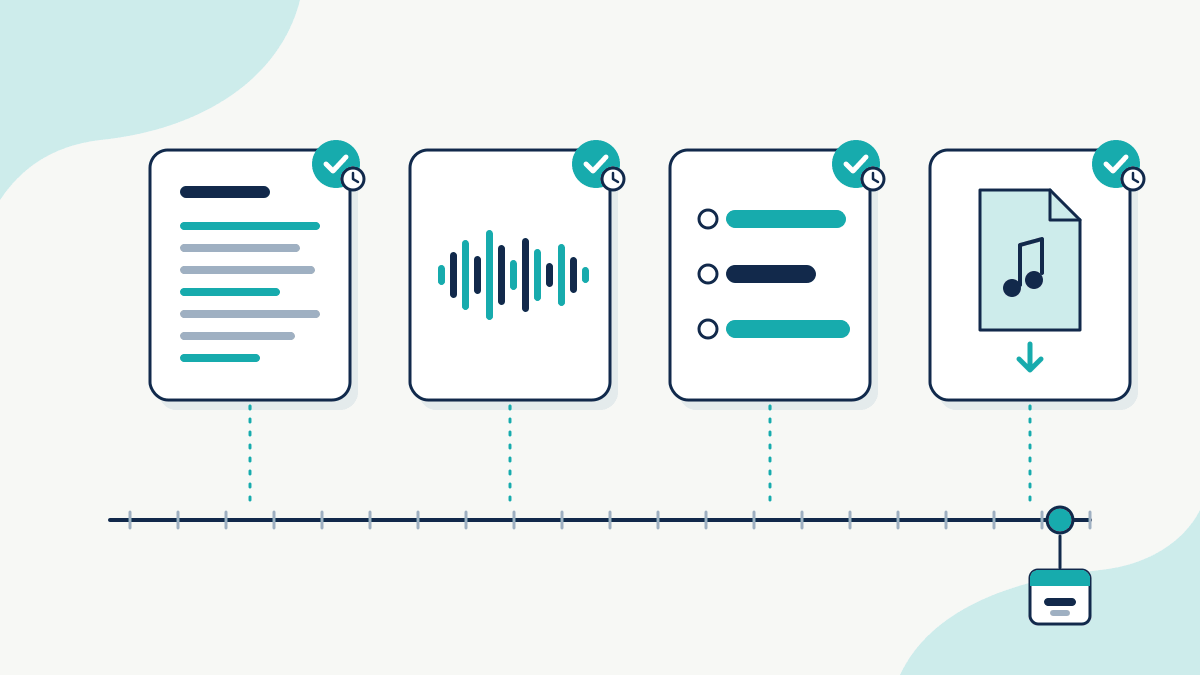
To protect choreography, record it. Copyright protects the expression, not the idea. The Attorney-General’s Department lists “dance choreography” among dramatic works, and says “Copyright does not protect ideas or information, only the original expression of ideas or information.” So a concept for a piece isn’t protected on its own; copyright looks at the expression. In the US, the Copyright Office registers choreography only if it is fixed in a form, such as dance notation or video, that shows the movements in enough detail to be performed. Film rehearsals, write notes and keep each version. TimeBinder® can record a fingerprint of each file, showing it existed no later than the recorded time. It does not register copyright or show who created the work.
Table of Contents
What copyright says about choreography
The Attorney-General’s Department’s copyright basics page lists the kinds of works copyright protects in Australia. Dramatic works include “plays, scripts, dance choreography, mime performances”.
The same page is clear about ideas: “Copyright does not protect ideas or information, only the original expression of ideas or information.”
The US Copyright Office’s Circular 52 gives a definition: “Choreography is the composition and arrangement of a related series of dance movements and patterns organized into a coherent whole.”
What isn’t covered
Circular 52 also sets limits for US registration. It says “choreographic works do not include social dance steps and simple routines.” It adds:
“The U.S. Copyright Office cannot register short dance routines consisting of only a few movements or steps with minor linear or spatial variations, even if a routine is novel or distinctive.”
Why recording matters
For US registration, Circular 52 says a choreographic work “must be fixed in a tangible medium of expression in such a way that reveals the movements in sufficient detail to permit the work to be performed in a consistent and uniform manner.”
It lists acceptable formats:
- “Dance notation such as Labanotation and Benesh Dance Notation”
- “Video recordings of a performance”
- “Textual descriptions, photographs, or drawings”
Wherever you work, the same records are useful. A clear video or score shows what the work is. A dated copy shows when you had it.
How to protect choreography with dated records
- Film full run-throughs, not just highlights, so the whole sequence is visible.
- Write it down. Use notation if you know it, or counts, formations and notes if you don’t.
- Save each version after major changes, with the date in the file name.
- Keep the music and cue sheet you set the piece to.
- Timestamp key versions before you teach the piece, post a clip, or send it to a festival or company.
| Record | When to timestamp | Keep alongside |
|---|---|---|
| Rehearsal video (full run) | After each major change | Original camera file |
| Notation or written counts | When a section is set | Scans of handwritten notes |
| Formation diagrams | Before teaching the piece | Cast list for that version |
| Music edit and cue sheet | When the edit is final | Licence or permission emails |
| Performance video | Before posting any clip | Event details |
Keep the exact file you timestamped, because any change, even re-exporting a video, gives it a new fingerprint. You can check a file still matches its fingerprint later. For video files, see dating a video edit project and how timestamping settled a creator video dispute.
How a TimeBind fits
Each file is fingerprinted (SHA-256) on your own device. Nothing is uploaded or stored by TimeBinder, and the fingerprint is recorded on the Bitcoin blockchain. You get a Proof of Time Certificate that you or someone you share it with can check later. See how TimeBinder works.
That matters for large rehearsal videos you don’t want to send anywhere. If someone later suggests your routine came from a viral clip, or that your video was AI-generated, a dated fingerprint of your original rehearsal footage is something you can point to. For more, read how artists show when they made something and creative work verification.
For copyright registration by country, see copyright registration in Australia and copyright registration in the USA, or compare the poor man’s copyright alternative.
What a TimeBind does not show
- It does not register copyright, and it does not show who created the choreography.
- It does not show that a routine is original or long enough to be protected.
- It does not show whether AI tools were used, or how a court or office will treat it.
- It shows only that a file existed no later than the recorded time and still matches its fingerprint.
When TimeBinder isn’t the right tool
If you want US copyright registration, apply to the US Copyright Office. If someone is performing your work without permission, get legal advice; a timestamp won’t stop them. And if you need to store rehearsal footage, use storage, because TimeBinder keeps no copy.
This is general information, not legal advice.
Frequently Asked Questions
-
Is choreography protected by copyright in Australia?
The Attorney-General’s Department lists dance choreography among dramatic works. It also says copyright does not protect ideas or information, only their original expression.
-
Can I copyright a dance move?
The US Copyright Office says it cannot register short dance routines of only a few movements or steps, even if a routine is novel or distinctive, and that choreographic works do not include social dance steps and simple routines.
-
Do I need to film my choreography?
For US registration, the Copyright Office requires the work to be fixed in a form that shows the movements in enough detail to be performed. It accepts dance notation, video recordings, and textual descriptions, photographs or drawings.
-
What should I timestamp?
Full rehearsal videos, notation or written counts, formation diagrams and your final music edit. Timestamp a new version after each major change.
-
Does TimeBinder upload my videos?
No. The fingerprint is made on your own device and only the fingerprint is recorded. Your videos stay with you.
Keep a dated record of every piece
Timestamp your rehearsal videos and notes before you share them. The Free plan is $0 and includes 1 Token a month.