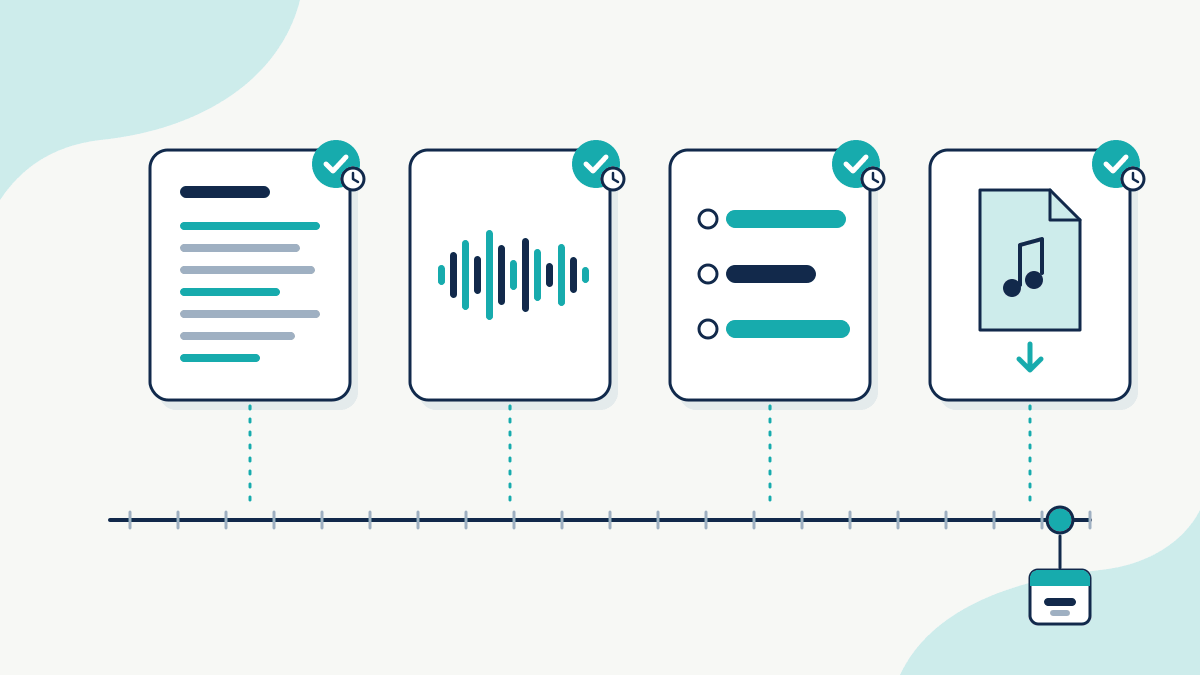
Original digital products such as printables, planners, templates, illustrations and SVG files are usually protected by copyright automatically in Australia and the UK, with no registration. You can’t stop every copy, but you can make copying harder and be ready to act. Use clear licence terms, watermark previews, and keep your layered source files. Before each launch, keep a dated record of the exact files you sell. A TimeBind does that: TimeBinder® fingerprints each file on your device and records the fingerprint on Bitcoin, showing the file existed no later than the recorded time. If someone resells your work, report it to the marketplace. A TimeBind doesn’t show who created the file, who owns it, or how a court will treat it.
Table of Contents
What copyright covers in a digital product
The Attorney-General’s Department lists the kinds of material copyright protects (source). For digital products, two matter most:
- Artistic works, which the Department says include paintings, drawings and diagrams.
- Literary works, which include books and articles. Written guides and instructions may also fall here.
You don’t apply for it. “Copyright protection is free and automatic in Australia. There is no formal registration system” (source). In the UK, “You get copyright protection automatically – you do not have to apply or pay a fee. There is not a register of copyright works in the UK” (source).
There is an important limit. The Department says “Copyright does not protect ideas or information, only the original expression of ideas or information.” So the general idea of a weekly planner isn’t what copyright protects, while your own artwork and wording may be. How much protection a very simple layout or template gets is a legal question, so get advice if a lot depends on it.
How to protect digital products from being copied: make it harder
You can’t stop every copy, but you can raise the effort and make your terms clear:
- Licence terms. Say plainly what buyers can do: personal use only, or commercial use, and whether they can resell or share files.
- Watermarked previews. Show buyers a marked or cropped preview, not the full file.
- Low-resolution mockups. Use mockups for listings and keep full-resolution files for buyers.
- Keep your sources private. Don’t share layered or master files unless the licence covers it.
Keep a dated record before launch
Before each launch, timestamp the source files and the exact files buyers download.
| Product | Source file to keep | Delivered file to timestamp |
|---|---|---|
| Printables and planners | Design file (layered) | Final PDF |
| Templates (slides, docs) | Master file | The exact file buyers download |
| SVGs and clip art | Layered artwork | SVG/PNG pack (zip) |
| Fonts | Font sources | Release build. See the typeface post |
| Presets and LUTs | Project notes | The preset files. See the LUT post |
A TimeBind can hold up to 10 files. Each file is fingerprinted on your own device and never uploaded, and you get a Proof of Time Certificate. Later, you or someone you share it with can check that a file still matches its fingerprint. To compare a delivered file with your original yourself, the free SHA-256 checksum checker runs in your browser. See how TimeBinder works.
For specific products, read how to protect your patterns, are colour LUTs and presets copyrightable and timestamp typeface sources before release.
If someone resells your product
- Capture the listing. Save the URL, the date and screenshots of the listing and seller page.
- Compare it with your dated originals. Note exactly which files, artwork or text match.
- Report it to the marketplace. Use its intellectual property report process if it has one, and read its own policy page before you file.
- For US hosts, use the DMCA process. The US Copyright Office says “The notice-and-takedown system allows rightsholders to send a notification to the online service provider regarding infringing material that appears on the service provider’s system” (source).
- Get advice before sending legal demands.
In the US, “Before an infringement suit may be filed in court, registration (or refusal) is necessary for U.S. works” (source). For more, read what to do when someone copies your content and about showing copyright ownership without registration.
This is general information, not legal advice.
What a timestamp does not show
- It doesn’t show who created the design, that it’s original, or whether AI was used.
- It doesn’t show who owns it, or how a marketplace or court will treat it.
- It doesn’t stop copying or remove listings.
When TimeBinder isn’t the right tool
- You need a listing taken down. Use the marketplace’s report process.
- You plan to sue over a US work. That needs US copyright registration first.
- You no longer have the files you sold. A match can only be checked against the exact file.
Frequently Asked Questions
-
Do I need to register copyright for my printables?
Not in Australia or the UK, where copyright is automatic and there is no register. In the US, the US Copyright Office says registration (or refusal) is necessary before an infringement suit can be filed for a US work.
-
Someone is reselling my templates. What should I do?
Capture the listing with its URL and date, keep your dated originals ready, and use the marketplace’s intellectual property report process. Get advice before sending legal demands.
-
Should I timestamp the zip file or each file?
Either works, but the fingerprint matches only the exact file. If you timestamp a zip, keep that exact zip. Timestamping key individual files too makes later comparisons easier.
-
Does a timestamp show I created the design?
No. It shows the file existed no later than the recorded time and still matches its fingerprint.
-
Are my files uploaded?
No. Only a fingerprint made on your device is recorded.
Protect your next launch
Timestamp the files for your next product before it goes live. The Free plan is $0 and includes 1 Token a month.