Short answer: Licensed AI remix tools and unlicensed AI restyles will both multiply. Before you share, keep layered sources, export clean masters, and timestamp each version you care about. Check what your label or distributor has licensed and how you opt in or out. TimeBinder® creates a fingerprint in your browser; your file stays on your device while that fingerprint commitment is recorded. A TimeBind shows a file existed no later than a recorded time and still matches its fingerprint. It does not prove ownership, authorship or how a platform or court will treat a dispute.
Table of Contents
What Spotify has announced
On 21 May 2026, Spotify’s newsroom announced landmark recorded-music and music-publishing licensing agreements with Universal Music Group enabling a generative-AI tool for fans to create covers and remixes of songs from participating artists and songwriters. Spotify said the tool will launch as a paid add-on for Premium users and is grounded in “consent, credit, and compensation” for artists and songwriters who take part.
Spotify later published further newsroom licensing announcements for the same upcoming tool: with Merlin (4 August 2026), giving artists on Merlin-member labels the option to participate; with Kobalt (13 August 2026) for participating songwriters; and with Believe (20 October 2026) for Believe and TuneCore participating artists and labels. Believe’s Spotify newsroom post states participation is voluntary and describes a two-step consent process so artists decide whether to take part. The Believe post also says the tool is designed for AI-powered remixes and covers, not entirely new works, and that streams of those remixes generate royalties for the participating rights holders behind the original works.
Spotify’s own Investor Day 2026 recap (same day as the UMG deal) likewise describes the paid Premium add-on and frames licensed covers/remixes as a way to keep consent and value with the people who made the music. An earlier Spotify newsroom note on artist-first AI collaboration (16 October 2025) sets principles of partnership, choice in participation, fair compensation, and artist–fan connection.
For launch timing and add-on price, Spotify’s newsroom posts above do not fix a public ship date or dollar amount. Separate reporting attributed to the Financial Times—carried by Reuters via Investing.com (30 October 2026) and covered by Music Business Worldwide—said Spotify was targeting a first-quarter 2027 launch, weighing about US$4–5 per month, and possibly unveiling around the Grammys. Those outlets reported that Spotify declined to comment and that timing and pricing were not finalised. Treat FT/Reuters/MBW figures as reported plans, not Spotify’s confirmed schedule or price list.
Fair reading: Spotify’s licensed tool is not “tampering” by itself. It is an opt-in, paid, rights-cleared remix/cover product for participating catalogues. The wider artist problem remains: licensed remixes will multiply on-platform, and unlicensed AI restyles will keep appearing off-platform. So date your originals and versions, ask what your label or distributor has licensed, and know how to opt out or veto participation where those controls exist.
What AI tampering looks like for artists
“Tampering” in this article means an altered, stylised or remixed copy that confuses who made what—especially unlicensed copies, cropped signatures, or off-platform clones. Spotify’s own licensed remix tool is a different category: participating catalogues, paid add-on, credit and compensation by design. Still, once AI remixing is normal, artists need dated originals for both licensed and unlicensed contexts. Common patterns for US and European creators include:
- A social clip of your song with new vocals, genre swaps or AI “covers” that still trade on your recording.
- An illustration or photo restyled by a model and posted without credit, or with your signature cropped out.
- A client deck that replaces your approved design with a generated variant after you handed over working files.
- A “similar” portfolio piece that appeared online only after you shared a WIP or stem pack.
You cannot stop every tool. You can make it easier to show which file was yours on which date, and which later file does not match.
Record originals before you share
Before you post a reel, send a demo, upload to a distributor, open a Behance project or drop files in a client folder:
- Export a clean master (WAV/FLAC, TIFF/PNG, PDF/print package, or locked design export) that you treat as the shareable original.
- Keep the layered or project source (PSD, AI, Procreate, DAW session, RAW) in a separate, backed-up folder.
- Name versions with dates (for example
cover-v3-2026-11-09.psd) so humans can follow the trail later. - Timestamp that master (and important intermediate versions) before the first public or client share.
Musicians: see music copyright proof for demos, stems and split sheets. Designers: see design file timestamping. Photographers and video artists: see photos and videos and creative work verification.
Keep process evidence, not just finals
A single final JPEG is weak if someone claims they made a near-identical piece first. Process evidence is often more persuasive in a platform ticket or a calm factual email:
- WIPs, sketch pages, contact sheets, stem bounces, session notes.
- Emails or messages that attach or link a dated version.
- Commission briefs, moodboards and revision rounds you already sent.
- Where relevant, camera originals or lossless masters, not only social exports.
You do not need to publish your process. You need to be able to produce it.
Timestamp each version you care about
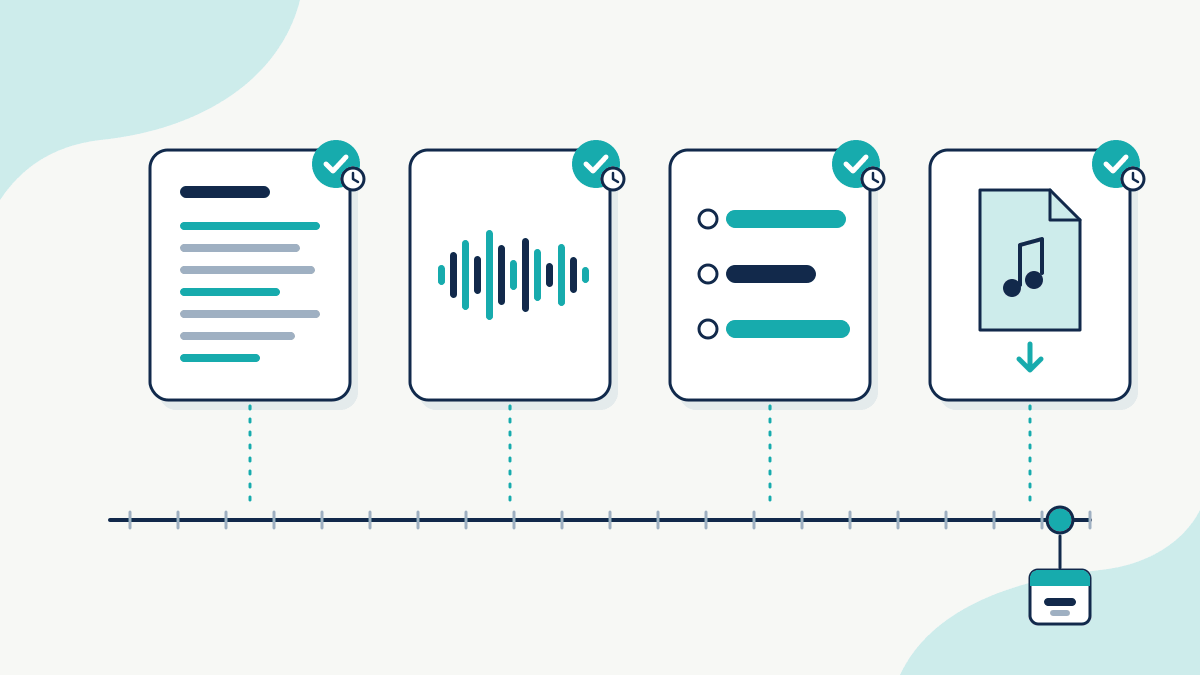
In the TimeBinder app, you drag and drop a file. Your browser creates its digital fingerprint. The file stays on your device; TimeBinder does not receive or see the original file contents. The fingerprint commitment is what gets recorded for timestamping (batching is possible; metadata may exist). Use that habit for:
- The master you are about to share publicly.
- Major revision milestones you might need to prove later.
- A package of stems, layers or a ZIP of project files when the whole set matters.
Pricing for individuals: your first Pooled TimeBind is free with no credit card required. After that, a Pooled TimeBind is US$5 (1 Token) and an ASAP TimeBind is US$15 (3 Tokens). Verification of a certificate remains free.
Watermarks, metadata and C2PA
Layered defences help different audiences:
- Visible watermarks deter casual reuse on social posts and comps. They are easy to crop; treat them as a speed bump, not a record.
- Embedded metadata (creator, copyright notice, contact) travels with some formats and is stripped by others. Keep a master that still holds yours.
- Content Credentials / C2PA can attach provenance about how an asset was created or edited when tools and platforms support it. Useful where available; not universal yet. A timestamp of your file is complementary: it records that a specific byte sequence existed by a time, even when provenance metadata was later removed. See also Content Credentials (C2PA) vs timestamp.
If an altered copy appears
Stay factual. Save URLs, screenshots and the altered file. Then:
- Compare fingerprints. Hash your dated original and the altered copy. If they differ, say so plainly. Your TimeBind certificate is for the original you recorded, not for the altered file.
- Use platform reporting. Follow the host’s copyright or IP report flow (YouTube, Instagram, TikTok, Spotify, marketplace, etc.). Attach your dated master references and certificate links where the form allows evidence.
- US DMCA (general). In the United States, many online services accept DMCA takedown notices for alleged copyright infringement. Requirements and counternotice rules are specific; this is not legal advice. Use the service’s designated agent process or a qualified attorney for a formal notice.
- EU / UK (general). EU and UK creators often use platform notice-and-action tools and, where relevant, national copyright procedures or authorised representatives. Rules differ by country and service. Again: general orientation only, not legal advice.
A timestamp helps show timing of your file. It does not by itself win a takedown, prove authorship, or replace registration or counsel where those matter.
What a TimeBind does and does not show
Does show: that a specific file (by fingerprint) existed no later than the recorded time, and that a later copy either still matches or does not.
Does not show: that you own the copyright, that you authored the work, that AI was or was not used, that a platform must remove a post, or that a court will prefer your account. Those are separate legal and policy questions.
Industry context: AI fraud protection for industries.
FAQ
1. Does timestamping stop Spotify’s licensed AI remix tool?
No. Spotify’s tool is a product and licensing decision. Timestamping records your files so you have dated masters and versions before you share—useful whether remixes are licensed on-platform or unlicensed elsewhere.
2. Should I timestamp every WIP?
Timestamp the versions you would actually need later: the master before first share, and major milestones. Flooding yourself with tiny saves helps less than a clear version trail.
3. Is the first TimeBind really free?
Yes. Your first Pooled TimeBind is free and no credit card is required. After that, Pooled is US$5 and ASAP is US$15.
4. Does TimeBinder receive my artwork or audio?
No. Fingerprinting runs in your browser. Your file stays on your device; TimeBinder does not receive or see the original file contents. The fingerprint commitment is what is sent for timestamping.
5. Is this legal advice?
No. US DMCA and EU/UK routes are described in general terms only. For a formal notice or dispute, use the platform process and qualified counsel where needed.