Suno updated its Terms of Service on 3 September 2026, alongside new download limits. If you make music with Suno, especially music you plan to release, it’s worth knowing what actually changed. I’ve read the terms, Suno’s announcement and its help pages. This is a plain summary, not legal advice, and the terms can change, so check the current version.
Table of Contents
What the terms say about ownership
The new terms draw a clear line between paid and free accounts.
Pro and Premier subscribers. If you’re on a Pro or Premier plan, Suno “assigns to you all of its right, title and interest” in output generated from your submissions. Suno’s help centre puts it more simply: if you were subscribed to Pro or Premier when the song was created, you’re considered the owner.
Free (Basic) accounts. If you’re on the free tier, Suno keeps ownership of the songs you generate. You can use them only for “lawful, personal and non-commercial purposes”.
Your own uploads stay yours. Anything you upload, such as your lyrics, a vocal or a melody you recorded, remains yours. The terms say nothing in them transfers ownership of your submissions to Suno. But you do give Suno a broad, perpetual licence to use your content, including to improve its AI models.
There’s one sentence every Suno user should notice: “Due to the nature of machine learning, Suno makes no representation or warranty to you that any copyright will vest in any Output.” In other words, Suno passes you whatever rights it has, but it doesn’t promise that copyright exists in an AI-generated track at all. That depends on the law where you are.
Commercial use now depends on downloads
The biggest practical change is that commercial use is tied to downloads. Under the new terms, you can commercially use an output only if you obtained “a permitted download” of it within your plan’s allowance. Suno’s announcement and FAQ set the limits at:
- Free: up to 7 lifetime trial downloads, for personal, non-commercial use only
- Pro: 20 downloads a month, with commercial use rights
- Premier: 60 downloads a month, with commercial use rights, and no download limit for work done in Suno Studio
Extra downloads can be bought, and a song’s stems count as part of that song’s single download. The terms also say that recording or stream-ripping a track instead of downloading it is prohibited.
For subscribers, once you’ve made a permitted download on a paid plan, the commercial rights for that track are described as perpetual. They don’t disappear if you cancel, downgrade or run out of downloads later.
A few other points are worth knowing:
- Remixes made with other users through Suno’s remix features are jointly owned and can only be used non-commercially, whatever your plan.
- Suno may add a fingerprint, watermark or metadata to outputs showing your plan and whether the track was a permitted download. You agree not to remove or hide it.
- Outputs may not be unique. The terms say another user could give similar prompts and get the same or similar output, and that output isn’t yours.
Why this makes dates more important
Put those points together and you can see the problem. Your rights to a track depend on which plan you were on when you made it and when you downloaded it. Suno doesn’t guarantee copyright exists in the output. And someone else could end up with a very similar track.
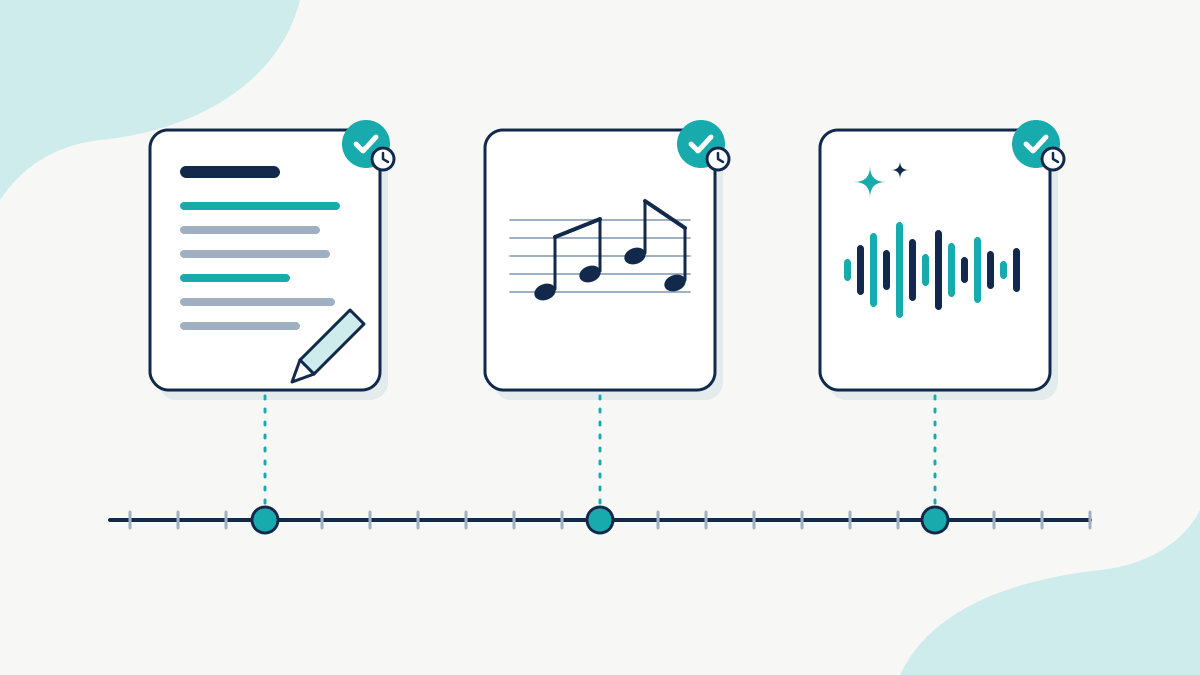
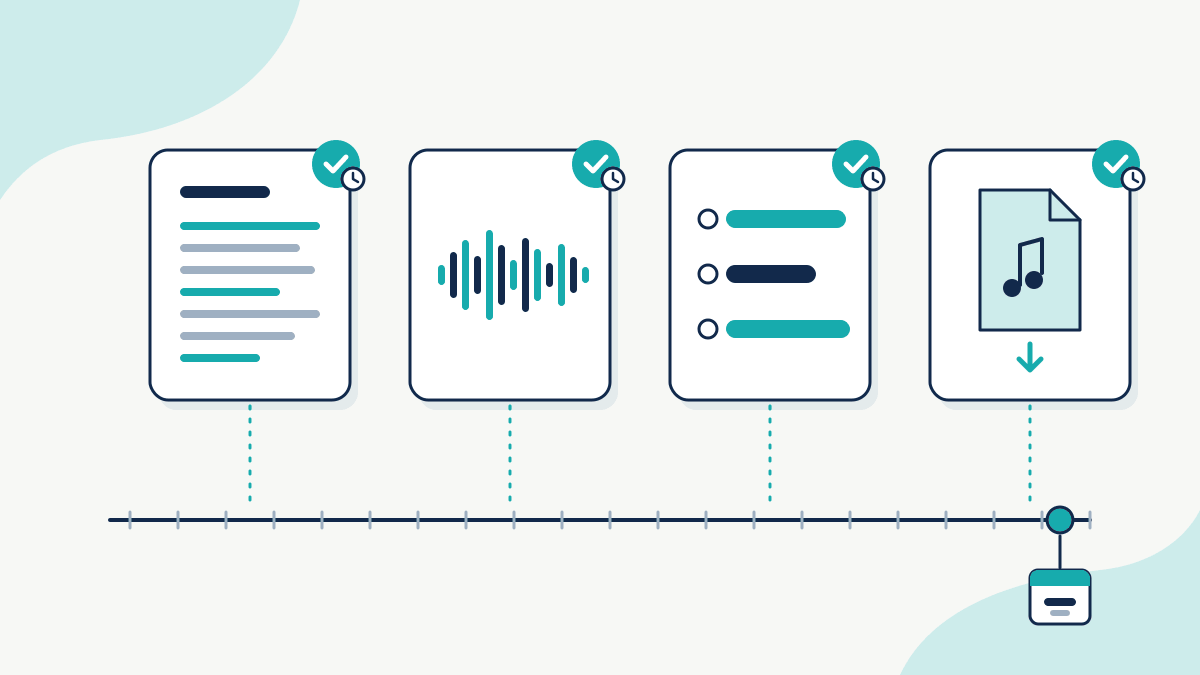
If a release is ever questioned by a distributor, a collaborator or someone claiming they made it first, the useful questions are about timing. When did you write those lyrics? When did you record that vocal or melody? When did you download the final track, and what plan were you on?
The parts most likely to count as your own work are the human parts: your lyrics, your melodies, your recordings, your edits and arrangement. Those are exactly the files worth putting a date on.
A sensible habit for anyone releasing Suno-assisted music:
- Keep your originals. Save lyric drafts, voice memos, your own stems and project files, not just the final mix.
- Keep your download. Hold on to the file exactly as you downloaded it, before you edit or master it, plus your subscription receipt for that month.
- Record the date independently. A file’s “date created” can be changed in seconds. An independent timestamp of each file’s fingerprint can’t be quietly edited later.
That last step is what we do at TimeBinder, so I’m biased. You timestamp your files and get a certificate showing that each one existed in that exact form by a certain time and hasn’t changed since. It’s an AI-proof record of when. Your files are hashed in your browser and never uploaded, so unreleased tracks stay private. One TimeBind covers up to 10 files, which fits a song’s lyrics, demo, stems and final download in one go, and the Free plan gives you 1 free Token a month, enough for one Pooled TimeBind.
To be clear about the limits, a timestamp shows when a file existed. It doesn’t prove who made it, and it doesn’t create copyright where the law says there isn’t any. It’s simply good evidence to have when timing matters.
The short version
- Paid Pro and Premier users get Suno’s rights in their outputs, but no promise that copyright exists.
- Free users can’t use their Suno songs commercially.
- Commercial use requires a permitted download on a paid plan, and those rights survive cancelling.
- Your own lyrics, recordings and stems remain yours, so keep them, and keep dated records of them.
If you’re writing with Suno, our guides on how to prove you wrote a song first and protecting your music before you send it go further. If you’re wondering whether the song can be copyrighted at all, see can you copyright a song made with AI? Our free split sheet generator helps if you’re working with others.
Sources (read 27 October 2026): Suno Terms of Service, effective 3 September 2026; Suno: An update to our downloads policy and Terms of Service; Suno Help: Upcoming Changes FAQ; Suno Help: Does Suno own the music I make?